First Steps
Good first scenarioLearn the basics and grow a village to 2,500 residents with happiness at 60% or more.

Shape the landscape, grow neighborhoods and keep a city thriving. Plan in 2D, then explore your streets and skyline in 3D.
Free to play. No download. No account.
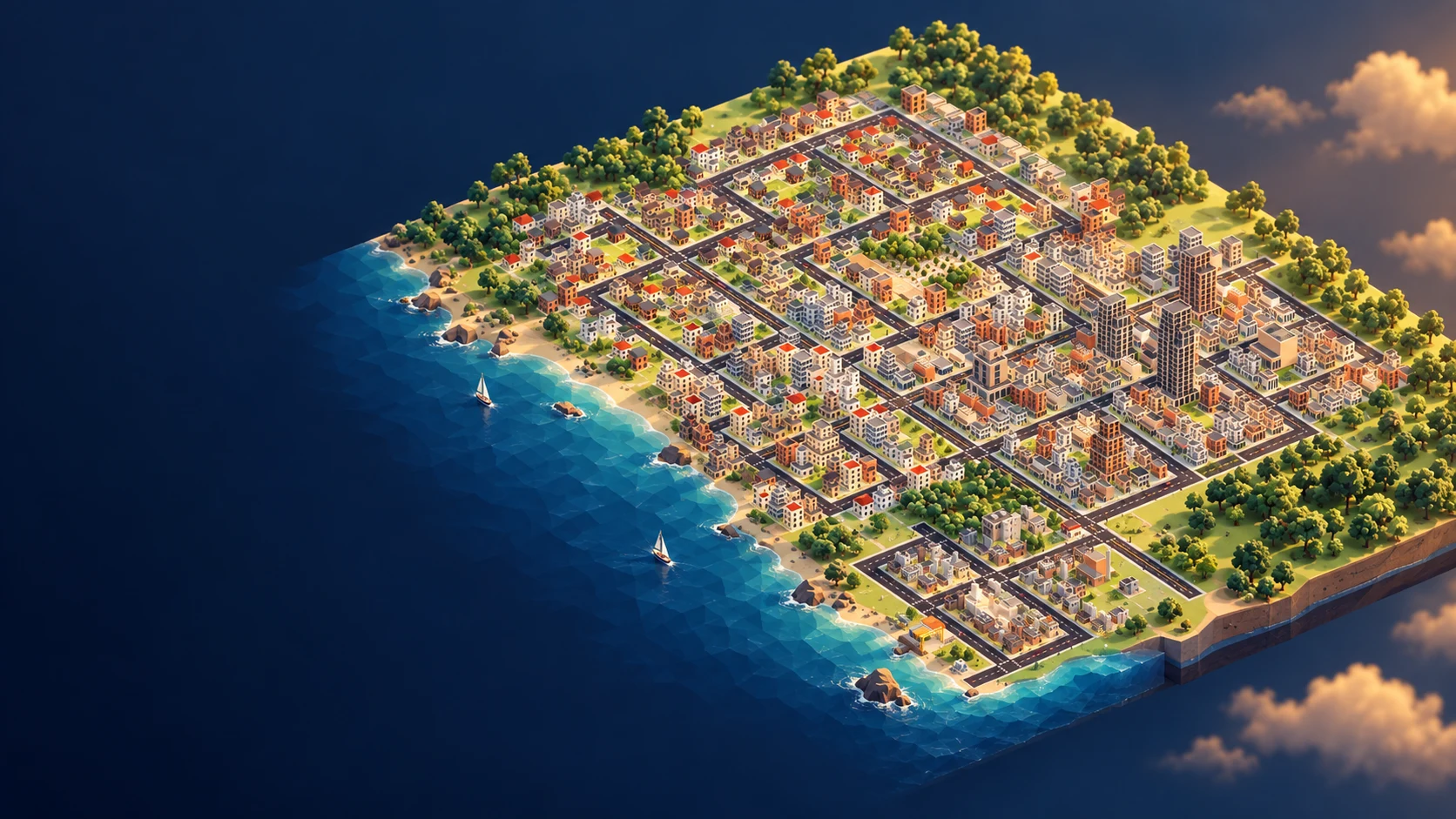
From local shops to skyscrapers, see what a city can become in 30 seconds.
Switch between 2D and 3D at any time without leaving your city.
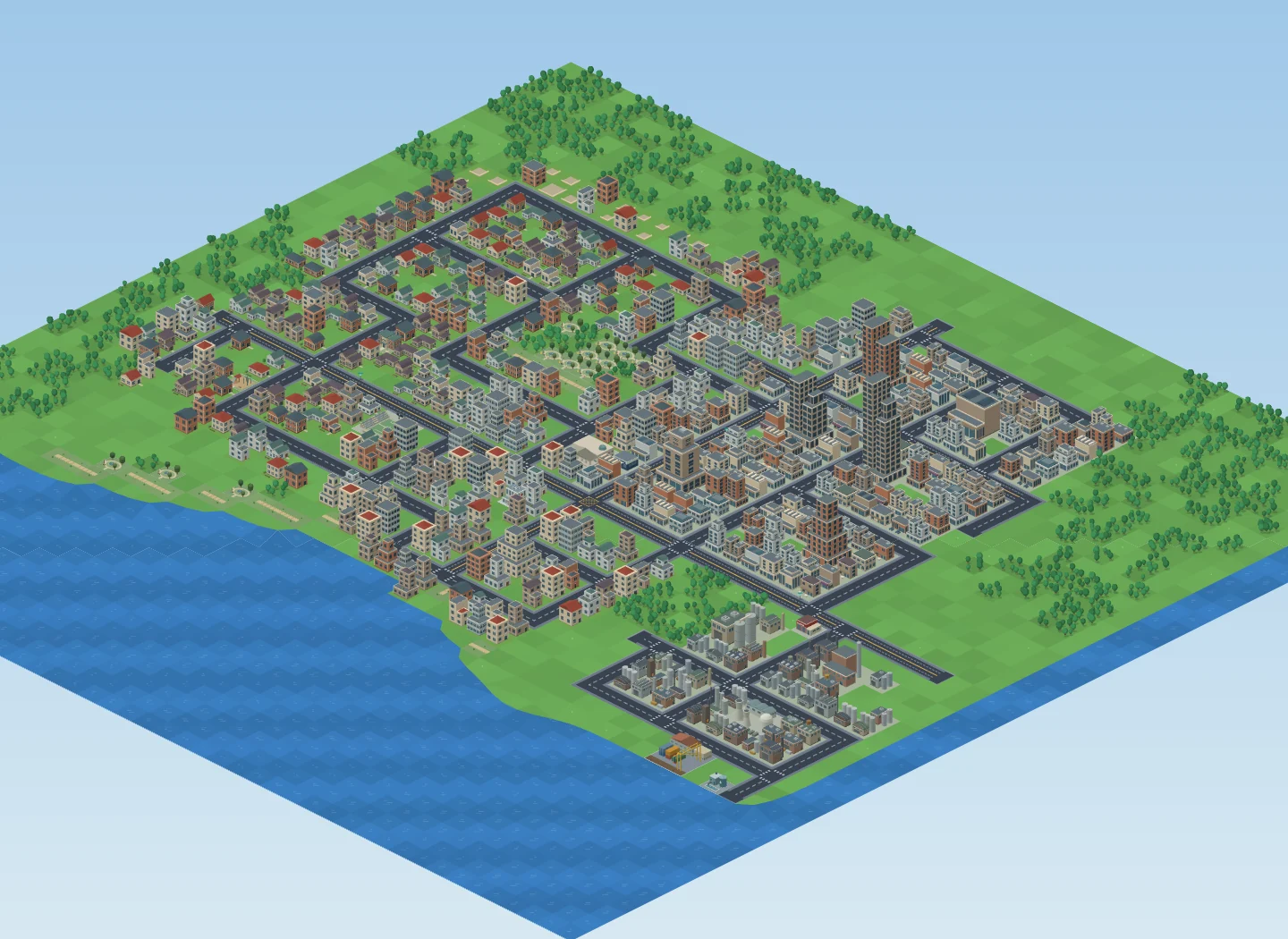
Read the whole city in 2D. Rotate, tilt and zoom in 3D to explore the neighborhoods you built.
Watch street life unfold, turn on day and night or seasonal weather, and choose a generative soundtrack to build to.
Raise hills, carve water and plant woodland. Connect your districts with bridges, mountain tunnels and elevated rail.
Build avenues for busier routes, add bus stops and rail stations, and give pedestrians their own paths.
Raise or lower open ground, and fill water back into land when your plans change. Transit coverage reduces nearby residents’ reliance on driving; higher-capacity avenues help carry traffic between districts.
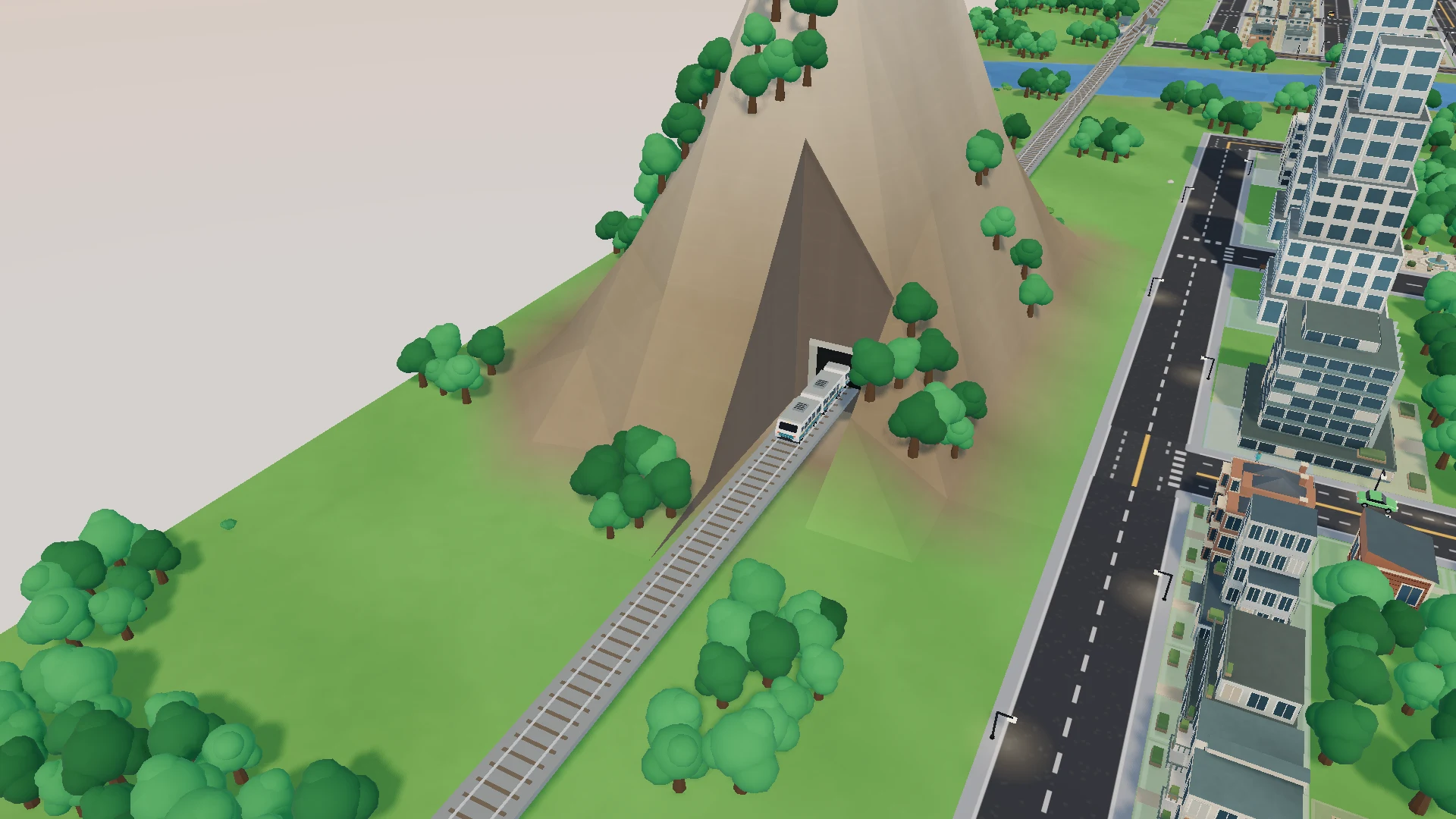
Grow homes, commerce and industry from small beginnings into denser neighborhoods and a taller skyline.
Make room for schools, hospitals, gardens and places to play. Build a city that works for its residents as well as its businesses.
Demand, services and local conditions shape development. Keep jobs accessible, pollution away from homes and utilities connected. Larger projects include a university, medical center, stadium, botanical gardens and museum.
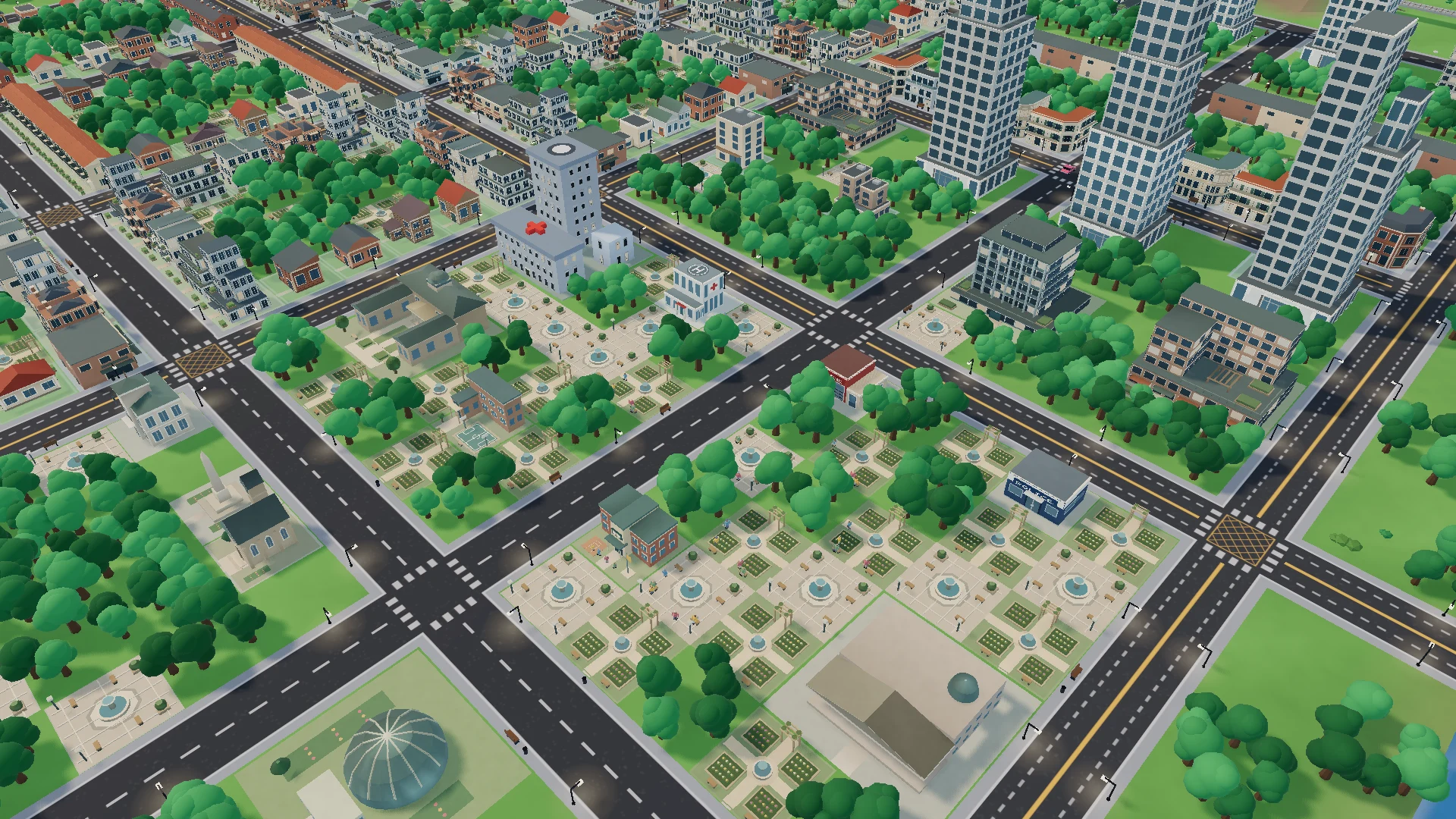
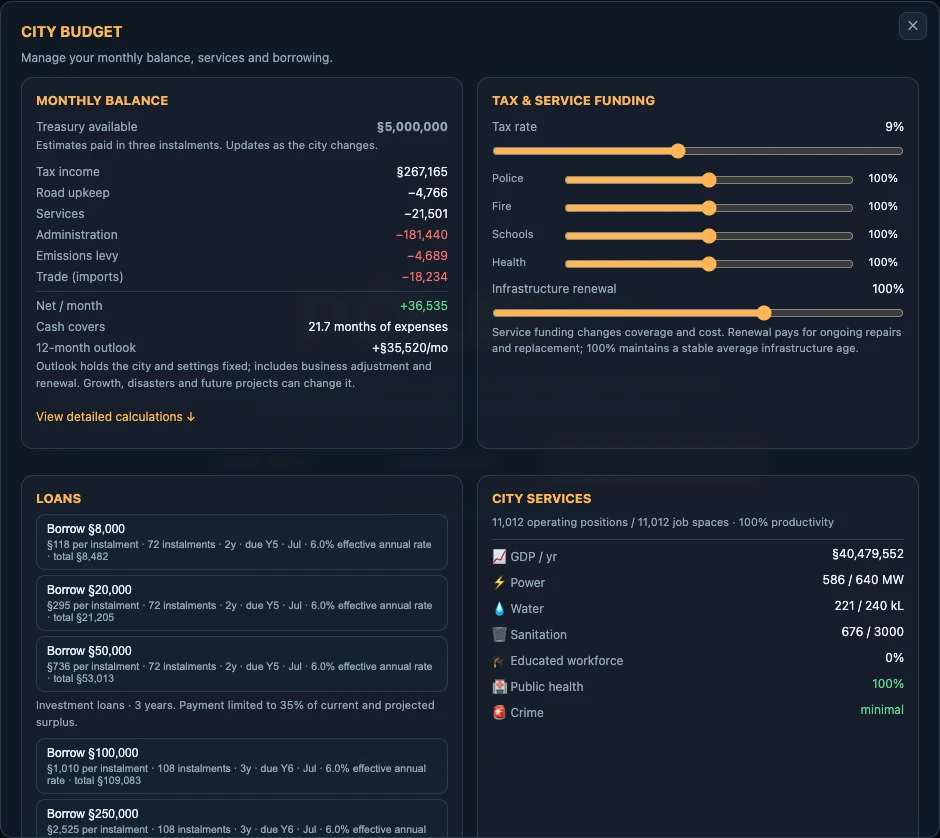
Build the next hospital now, or keep reserves for an emergency? Adjust taxes, fund services and weigh the cost of expansion.
Watch income, upkeep and infrastructure condition as your city grows. Loans can bring a project forward, with repayments to plan for.
Businesses need workers and demand to earn lasting revenue. Service funding supports coverage, and renewal funding pays for ongoing replacement. Cutting renewal saves money now but allows a maintenance backlog to build.
Build at your own pace, or take on one of six scenarios with a goal and a deadline.
Learn the basics and grow a village to 2,500 residents with happiness at 60% or more.
Restore jobs and abandoned neighborhoods to bring the city back to 70,000 residents.
Rebuild the failing power network and keep 195,000 residents fully supplied.
Clear earthquake rubble, reconnect utilities and rebuild to 60,000 residents.
Grow to 25,000 residents on limited land while recurring floods threaten the riverbanks.
Start with §6,000 and no loans. Reach 15,000 residents with §50,000 saved.
Adjust the economic pressure, change how your city looks and feels, and choose controls that suit you.
Difficulty changes starting funds, income, upkeep and the pressures on growth and services.
Turn on seasonal weather and the day–night cycle, enable edge scrolling, or use power saver to reduce rendering activity.
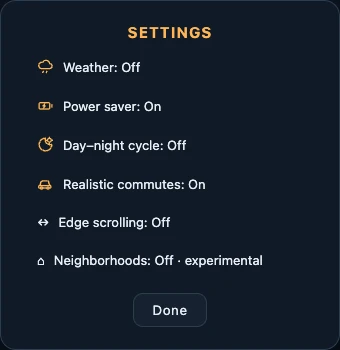
Turn on the day–night cycle to watch the city’s lighting change.
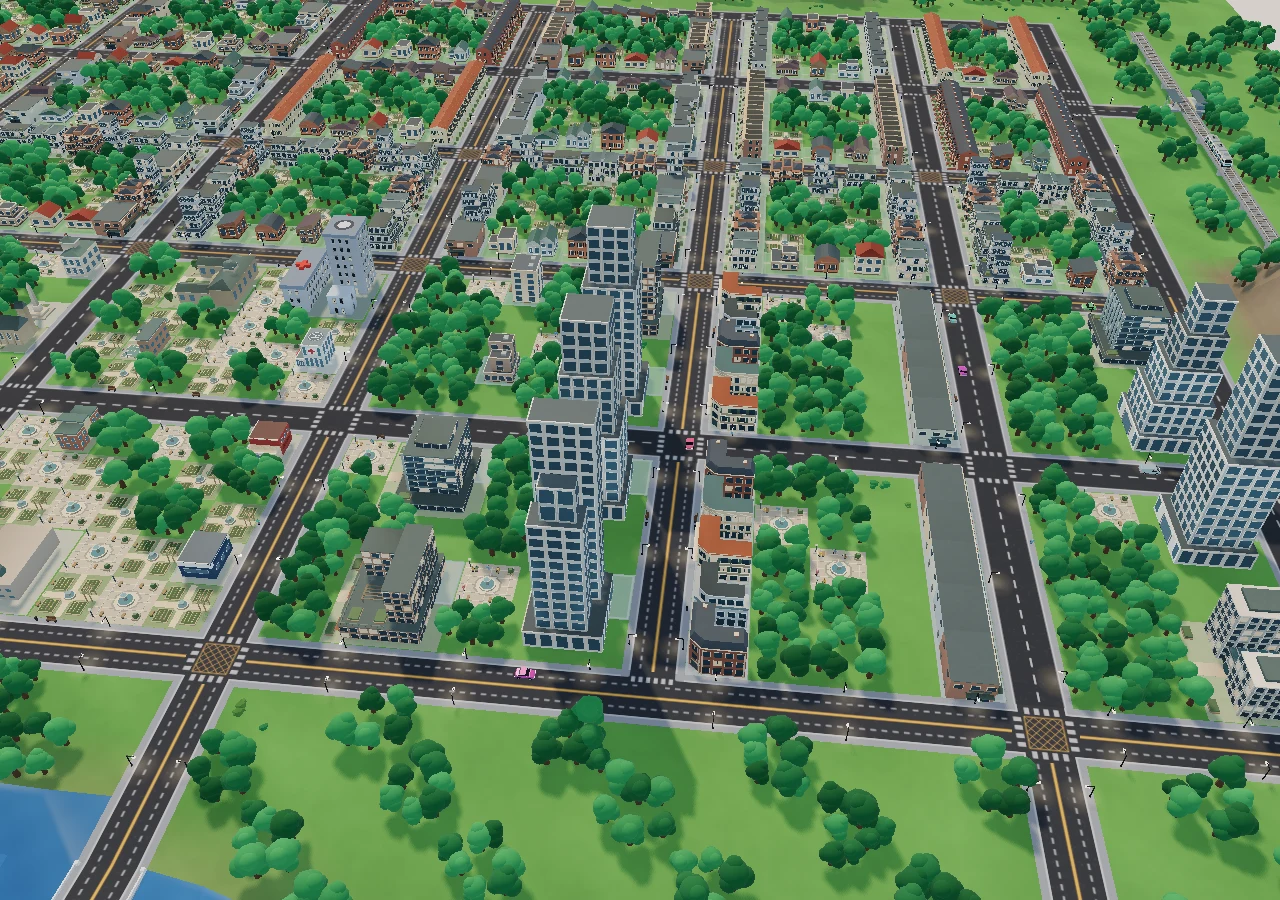
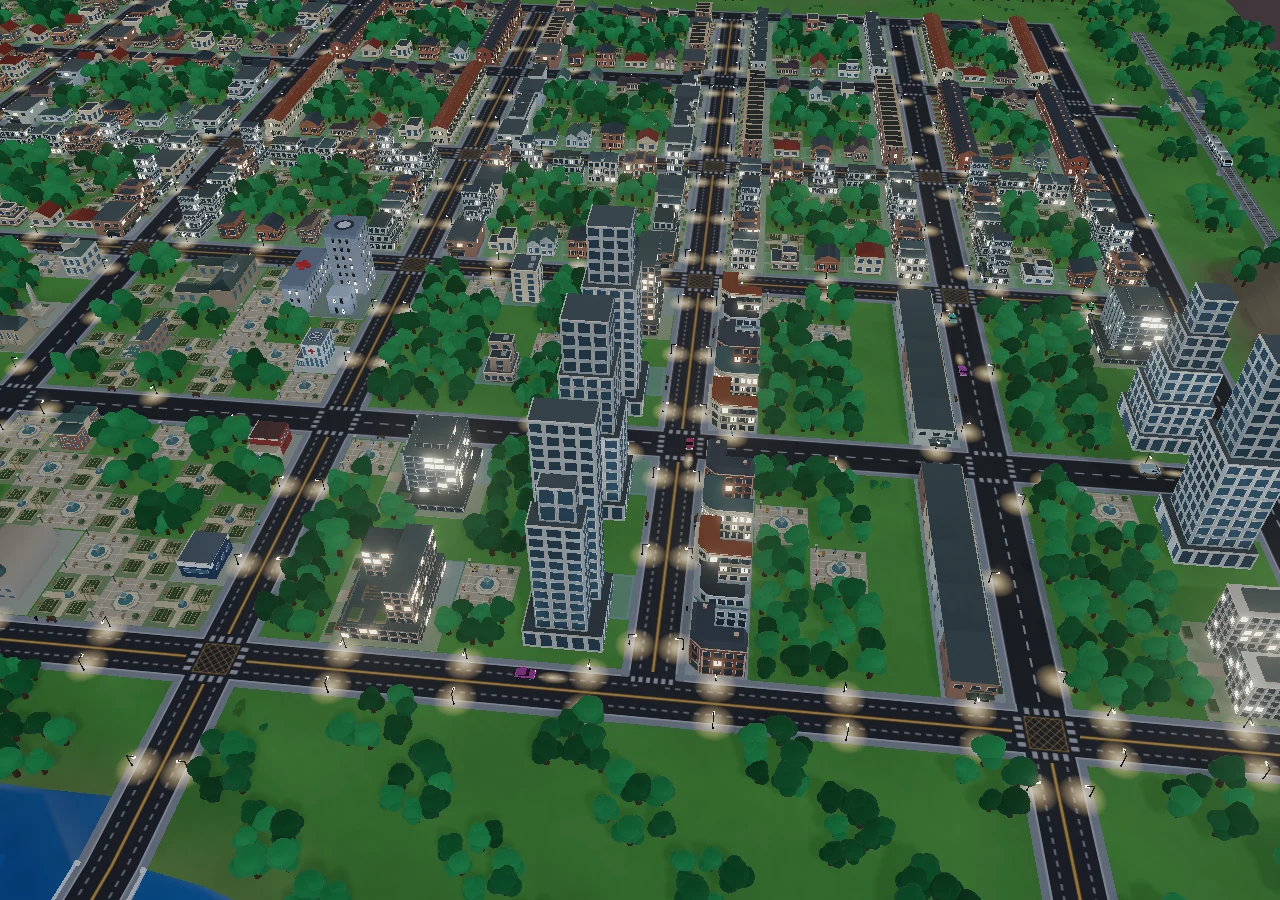
Start with the essentials, watch residents move in, then follow what your city needs next.
Pick a map with open land and choose Easy or Normal. Name your city and select Begin. Pause while you plan your first streets.
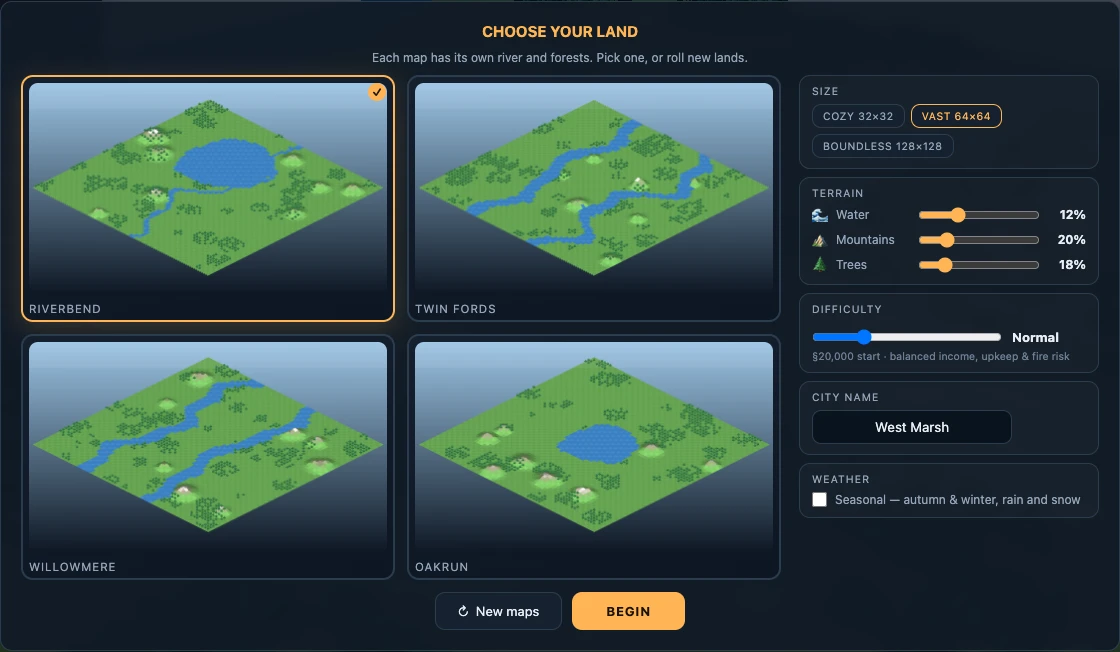
Aim for one working neighborhood before a large city.
Lay a small road network. Add a power source, such as a solar farm, and a water tower beside connected roads. A water pump is another option, but needs a riverbank.
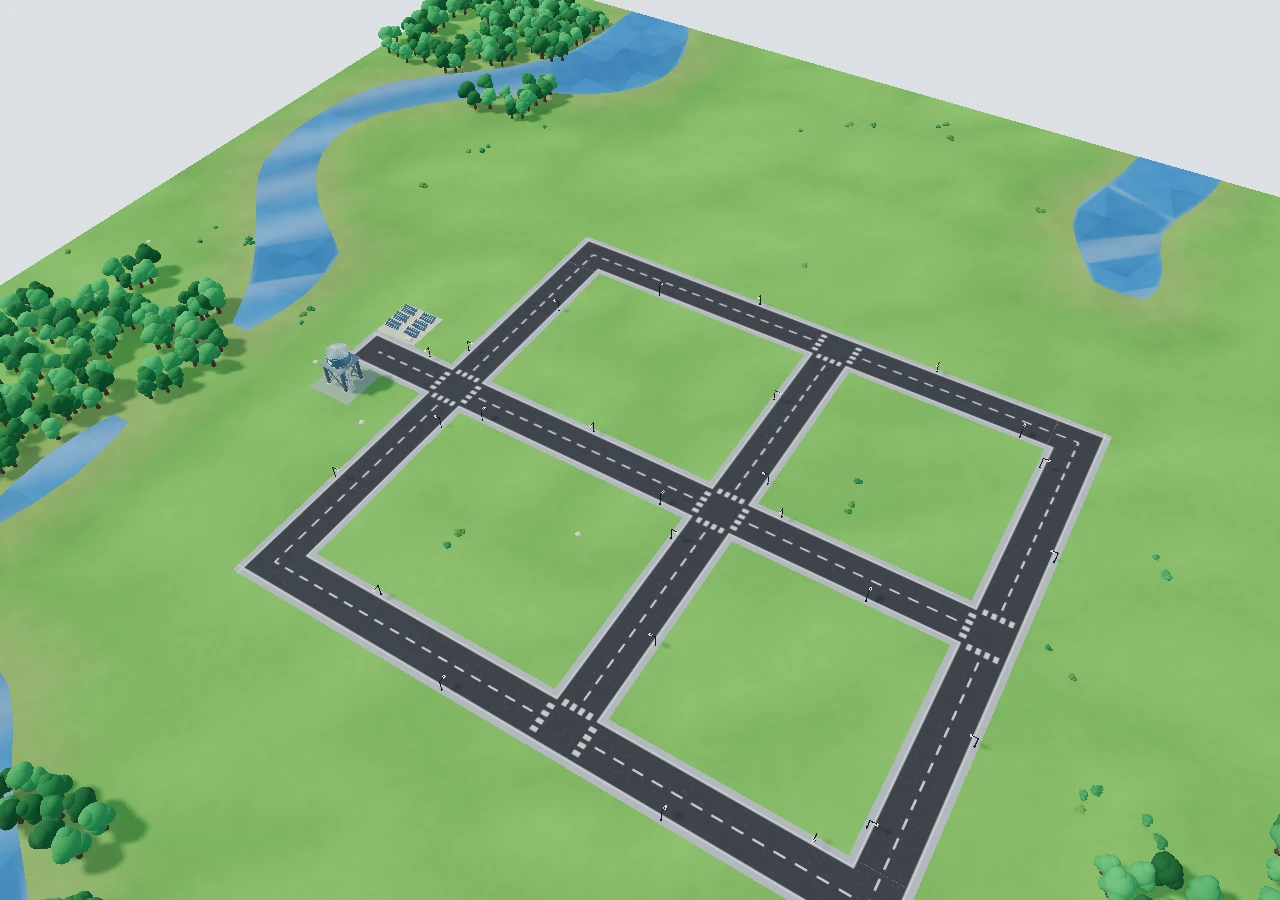
1 Solar farm2 Water tower
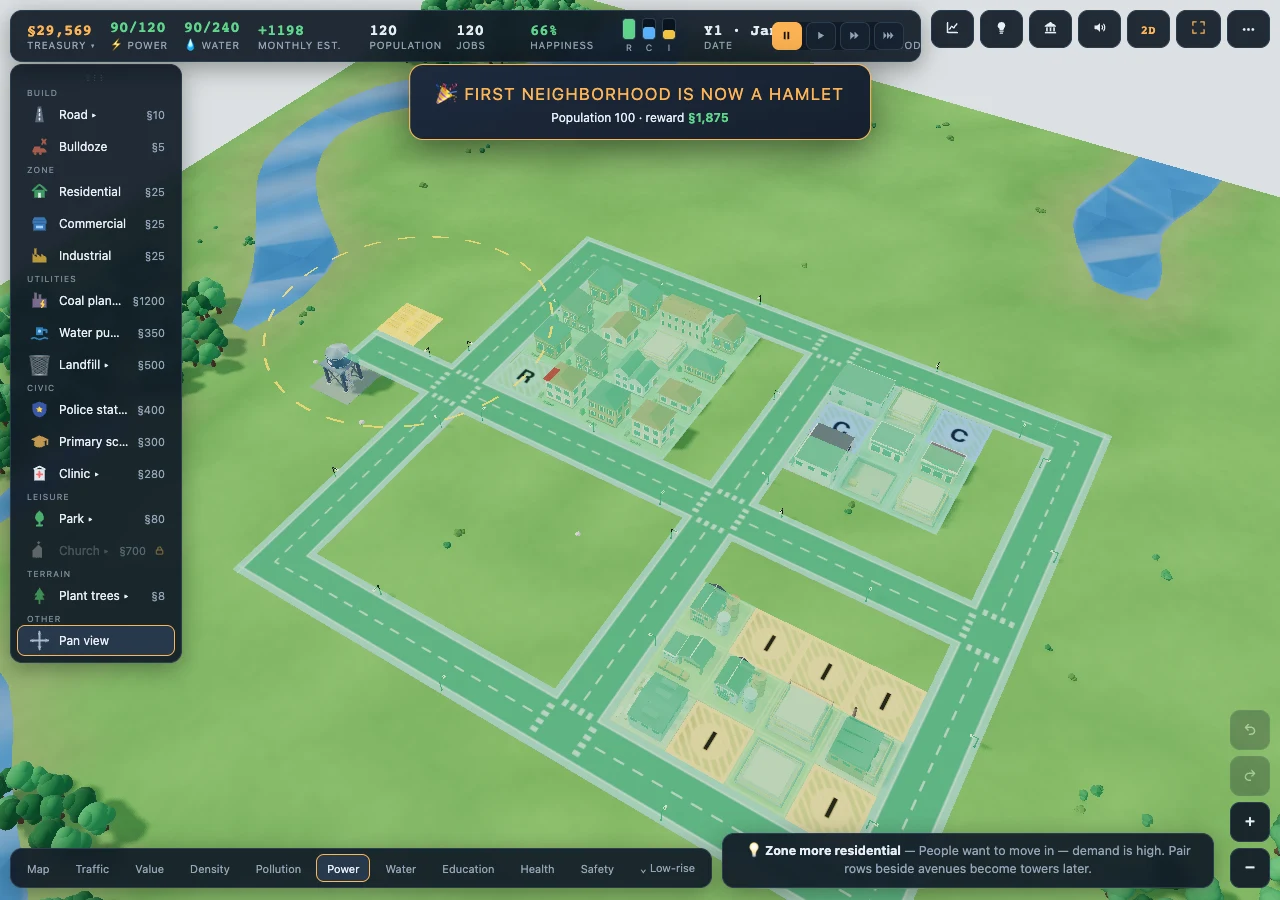
Check the Power and Water map views: roads carry both utilities to nearby buildings.
Zone a few residential lots beside roads, then add small commercial and industrial areas. Keep industry away from homes. Resume time and let buildings develop.
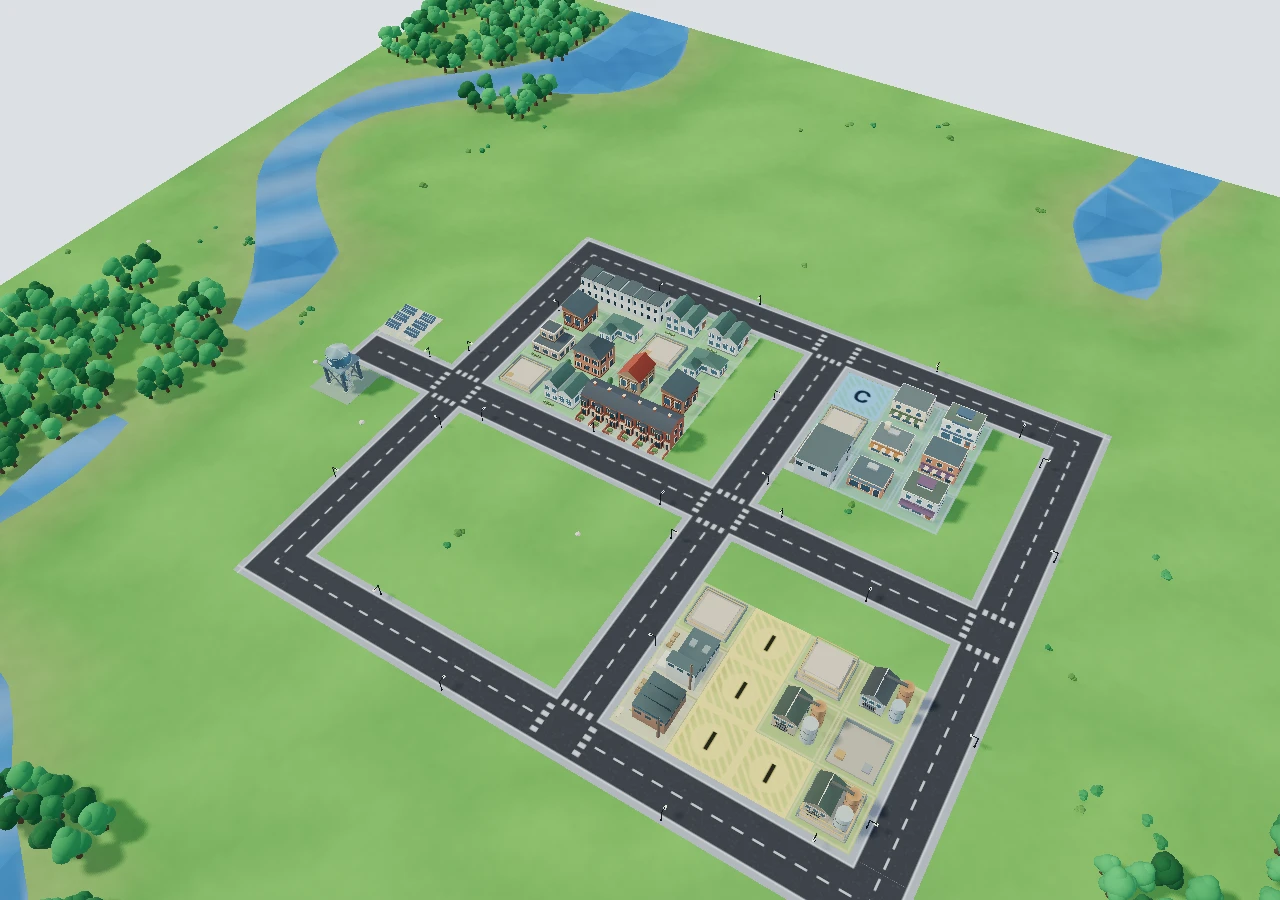
If lots stay empty, check road access, power, water and demand before zoning more.
Open the Advisor for specific needs, then check the Treasury before spending. Add services or more zoning where needed, and expand a little at a time.
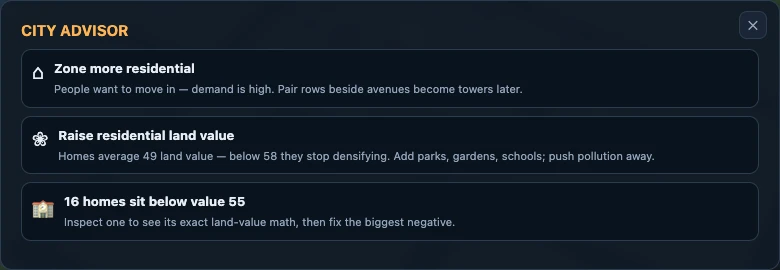
Your first goal: residents moving in, jobs available, utilities connected and money left for upkeep.
Open Power in the map views. Supplied roads and developed lots are highlighted green in this example. Check Water too before adding more zones.
Keep automatic and named saves in your browser. Export a save code to back up your city or move it to another device.
Saves stay on this device and do not automatically sync between browsers or devices. Export a save code before clearing browser data.
Once the game has finished loading and its offline files are cached, you can return to it without a connection.
Open Help & shortcuts inside the game for mouse, touch and keyboard controls.
A quiet riverside town. A busy downtown. Something entirely yours.